
Last Updated: March 2026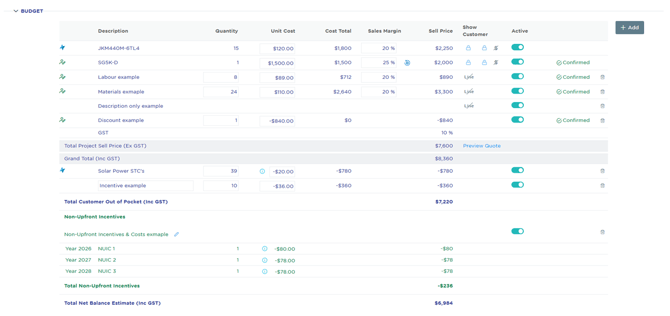
Product Lines (Hardware)
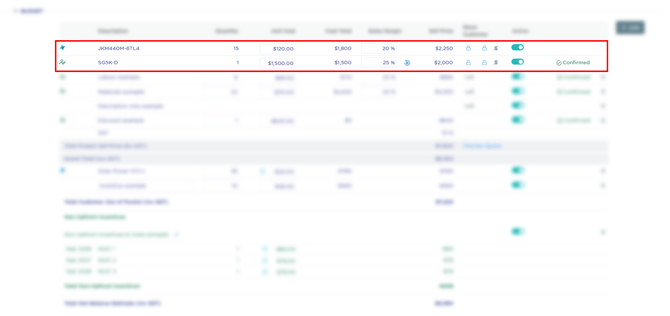
These are the major hardware components (e.g., Solar Panels, Inverters, Batteries, Heat Pumps etc).
-
Source: These are pulled directly from your product supplier (i.e. Private Supplier).
-
Behaviour: They include a Unit Cost, a Margin, and a Sell Price.
-
Visibility: You can toggle the description, quantity, and unit price for the customer using the icons in the Show Customer column.
Installation Lines (Material & Labour)
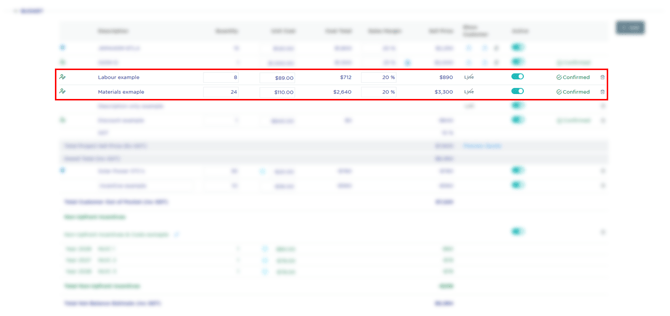
These represent all of the remaining costs of the job not covered by the Product lines.
-
Source: You can add these using the + Add button or have them auto-populate via Cost Components.
-
Behaviour: They include a Unit Cost, a Margin, and a Sell Price.
-
Visibility: You can toggle the line visibility for the customer using the icon in the Show Customer column.
Description Only Lines
-
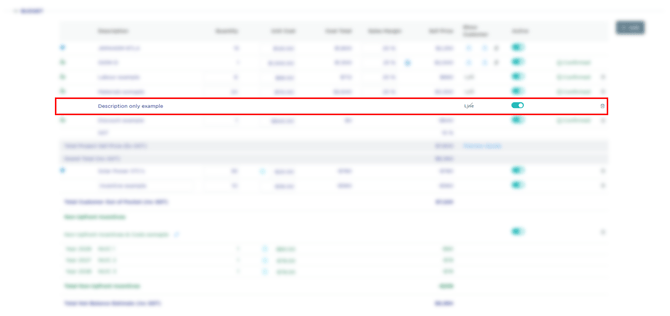
Description Only Example: As seen in the screenshot, you can have a line with just a description and no cost/price if you simply want to note a specific service or inclusion for the customer.
- Visibility: You can toggle the line visibility for the customer using the icon in the Show Customer column.
Discount Lines
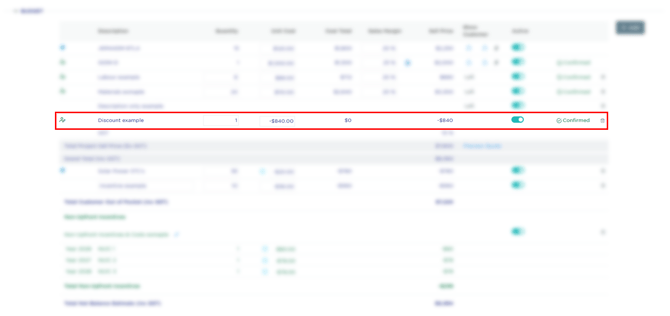
Used to apply a reduction to the Total Project Sell Price before GST.
-
Source: You can add these using the + Add button or have them auto-populate via Cost Components.
- Behaviour: When adding a discount, the value is saved as a negative number (e.g., -$840.00 ex GST).
-
Calculation: These lines subtract from the Total Project Sell Price (Ex GST).
Upfront Incentives Lines (i.e. for STCs & Rebates)
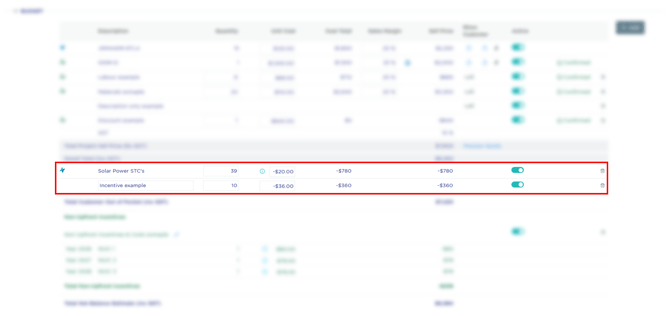
These are incentives applied at the point of sale, reducing the amount the customer needs to pay upfront.
- Source: You can add these using the + Add button or have them auto-populate via Cost Components.
-
Location: These appear below the Grand Total line.
-
Impact: Their impact is based on the customer type as GST is handled differently:
-
Residential: Total Customer Out of Pocket (Inc GST).
- Business: Total Customer Out of Pocket (Ex GST).
-
-
Example: STCs (Small-scale Technology Certificates) are the most common upfront incentive in solar budgets.
Non-Upfront Incentives Lines
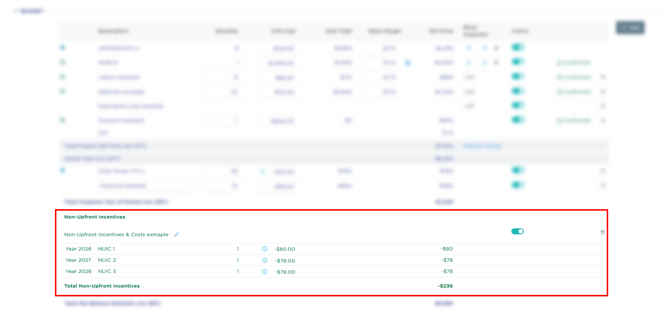
These are incentives or costs that occur after the initial purchase (e.g., performance payments, ongoing rebates, or future costs).
- Source: You can add these using the + Add button.
-
Location: These are found at the bottom of the budget under the Non-Upfront Incentives header.
-
Behavior: They do not change the "Out of Pocket" amount, but they do affect the Total Net Balance Estimate and return on investment / ROI.
-
Yearly Mapping: As shown in the "NUIC 1, 2, 3" example, these can be set to specific future years to help incorporate multi-year cashflow costs and / or revenue budget items.