
Follow these steps to manage your section pricing display settings globally or for a specific opportunity.
Set Retailer Default Preferences:
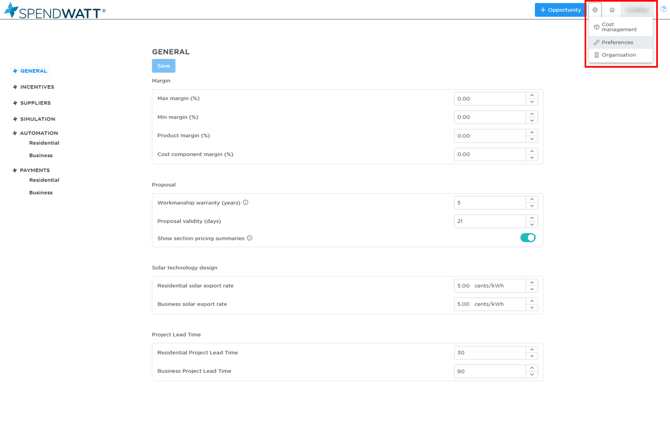
- Navigate to your Preferences in your account settings.
- Locate the Section Pricing Summaries setting.
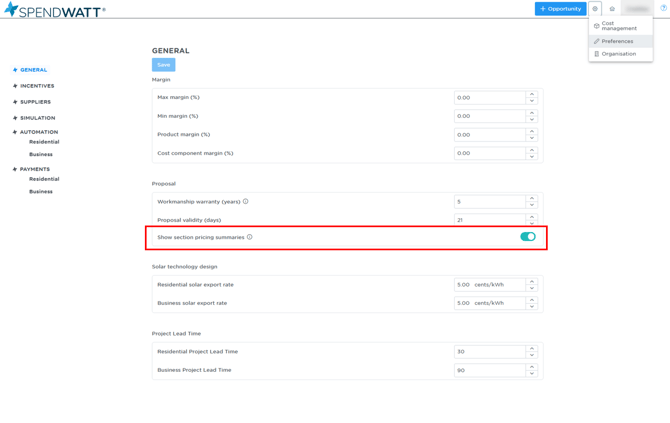
- Use the toggle to set your default preference:
- Enabled (Show): Displays the section total, GST, and out-of-pocket costs on all generated quotes and proposals.
- Disabled (Hide): Hides these pricing summaries from all customer-facing quotes and proposals by default.
Update Pricing Visibility for a Specific Opportunity:
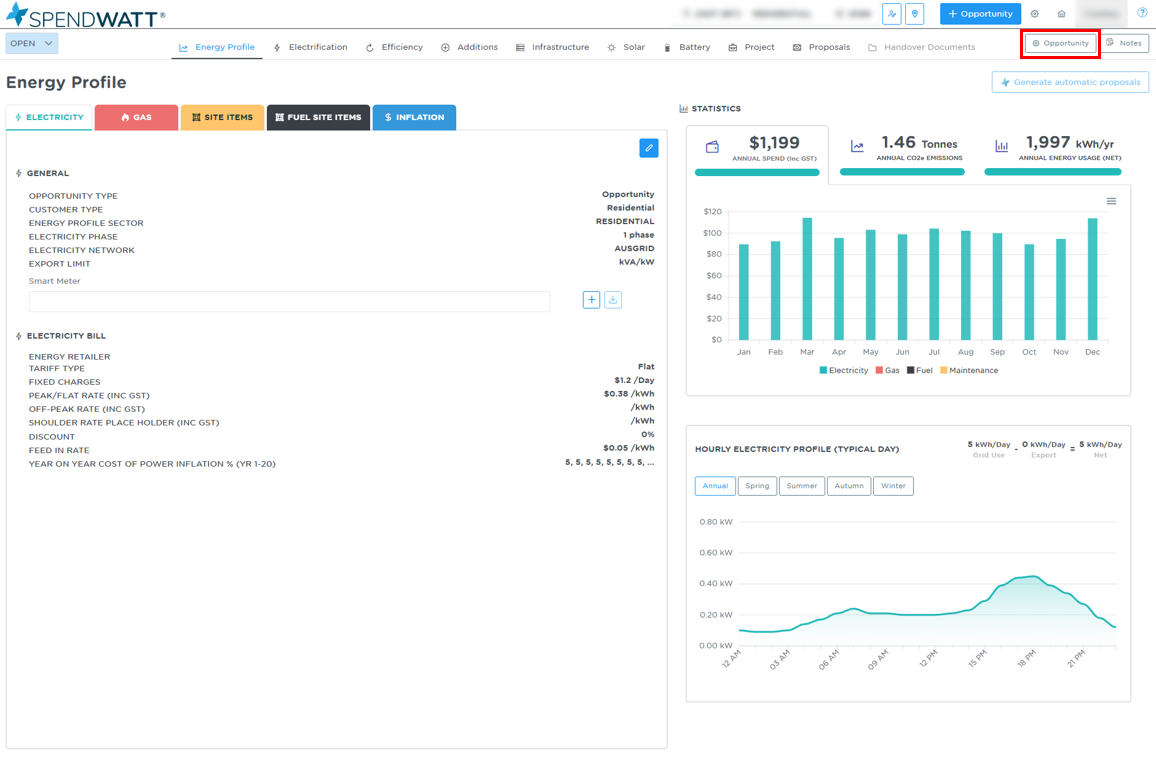
- Open the specific Opportunity you are working on.
- Click on the Opportunity Settings inside the opportunity.
- Locate the Section Pricing Summaries toggle against that opportunity.
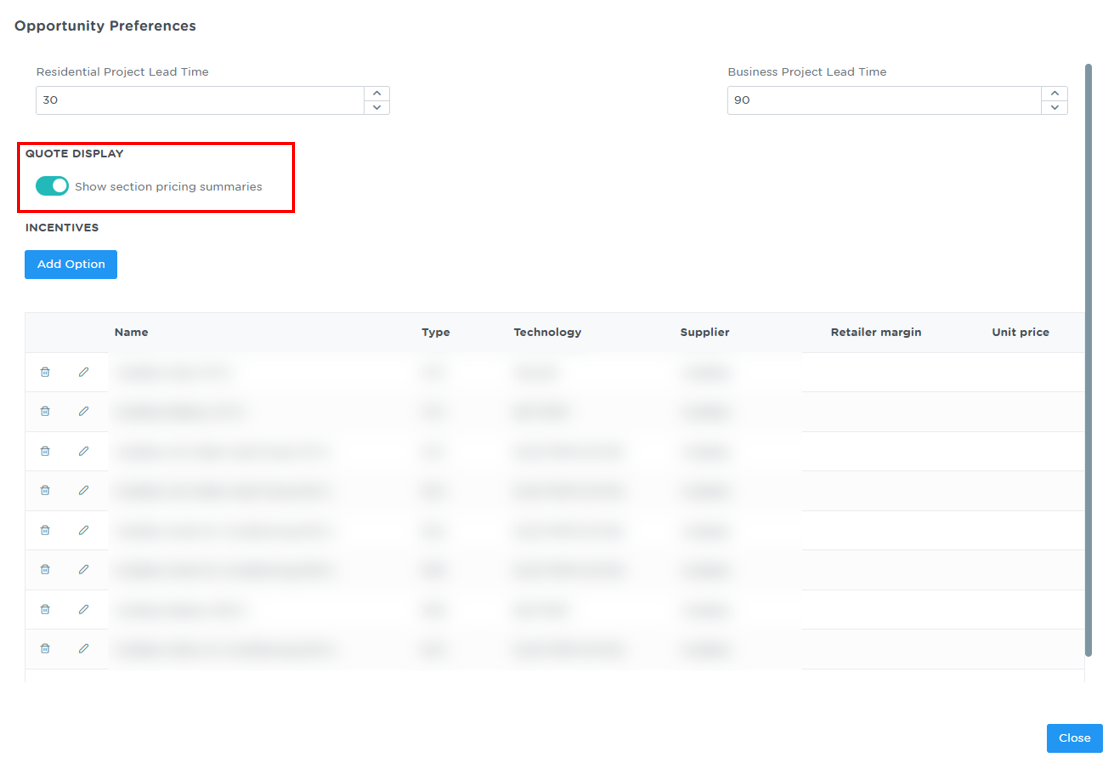
- Enable or disable the toggle to override the retailer default for this specific job only. (Note: This change applies to this opportunity exclusively and will not affect other jobs).
Please note: Even when section pricing summaries are hidden from the customer view, installers will still be able to see the full, detailed pricing breakdown when viewing individual budgets internally.